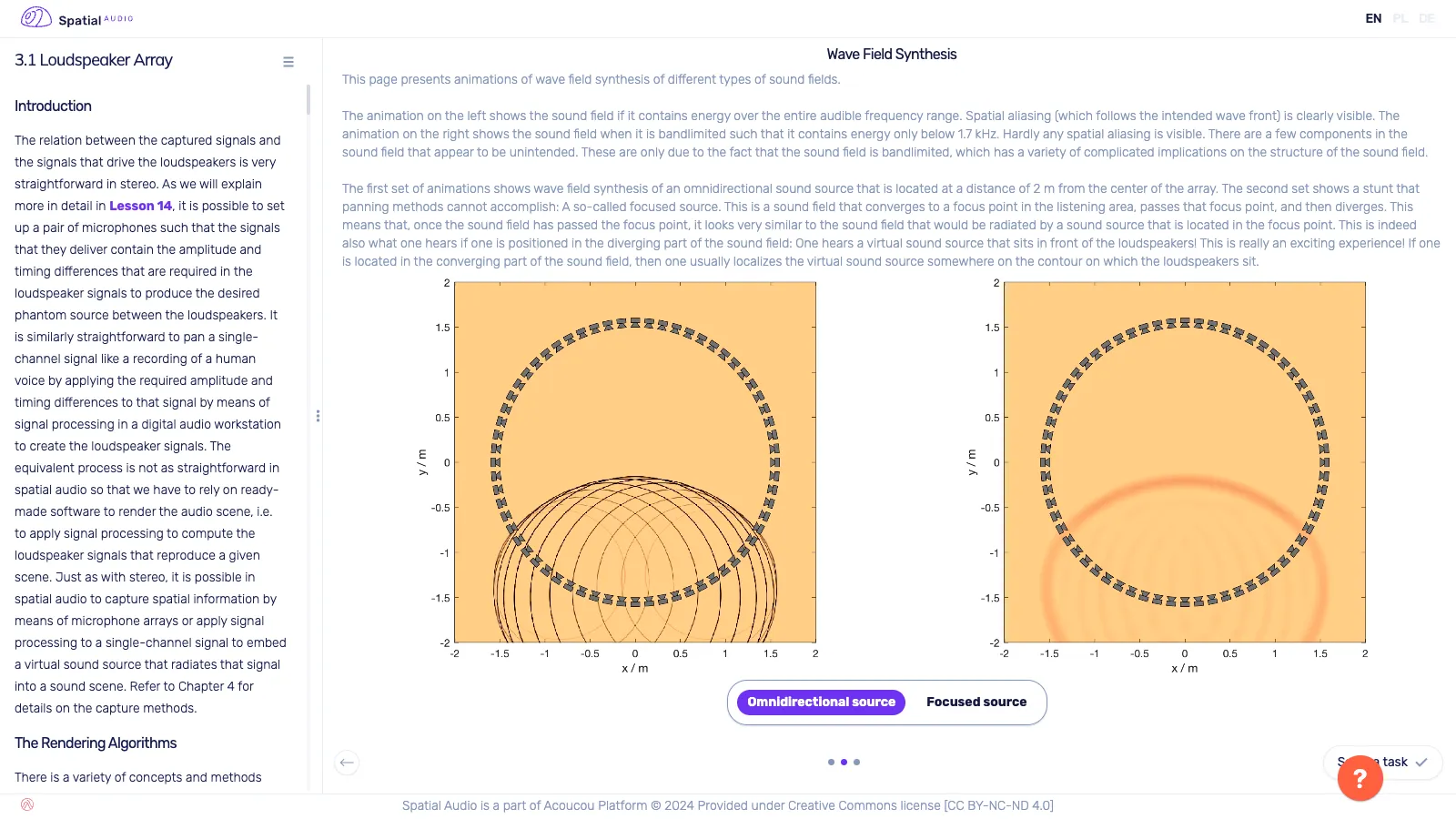
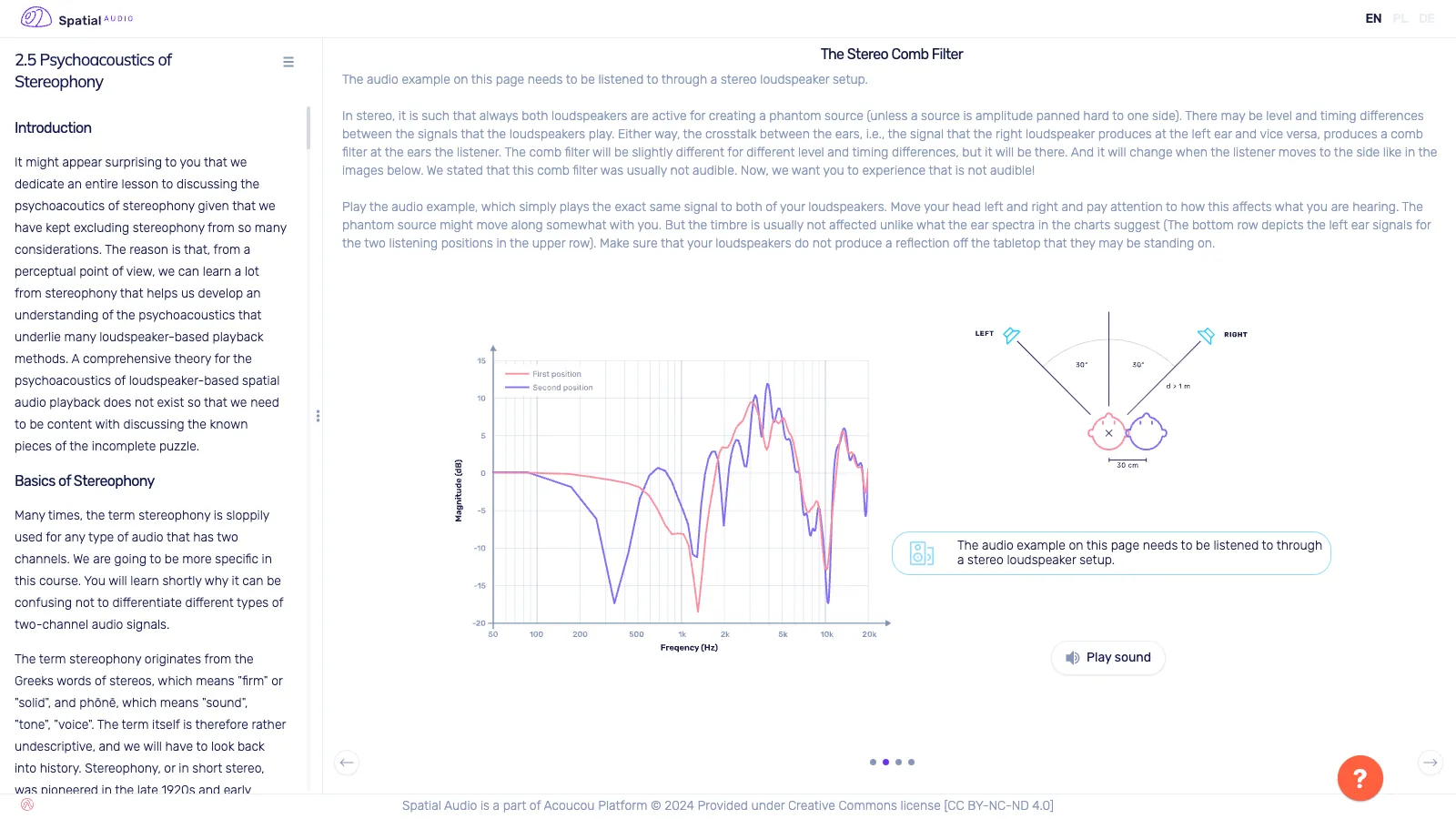
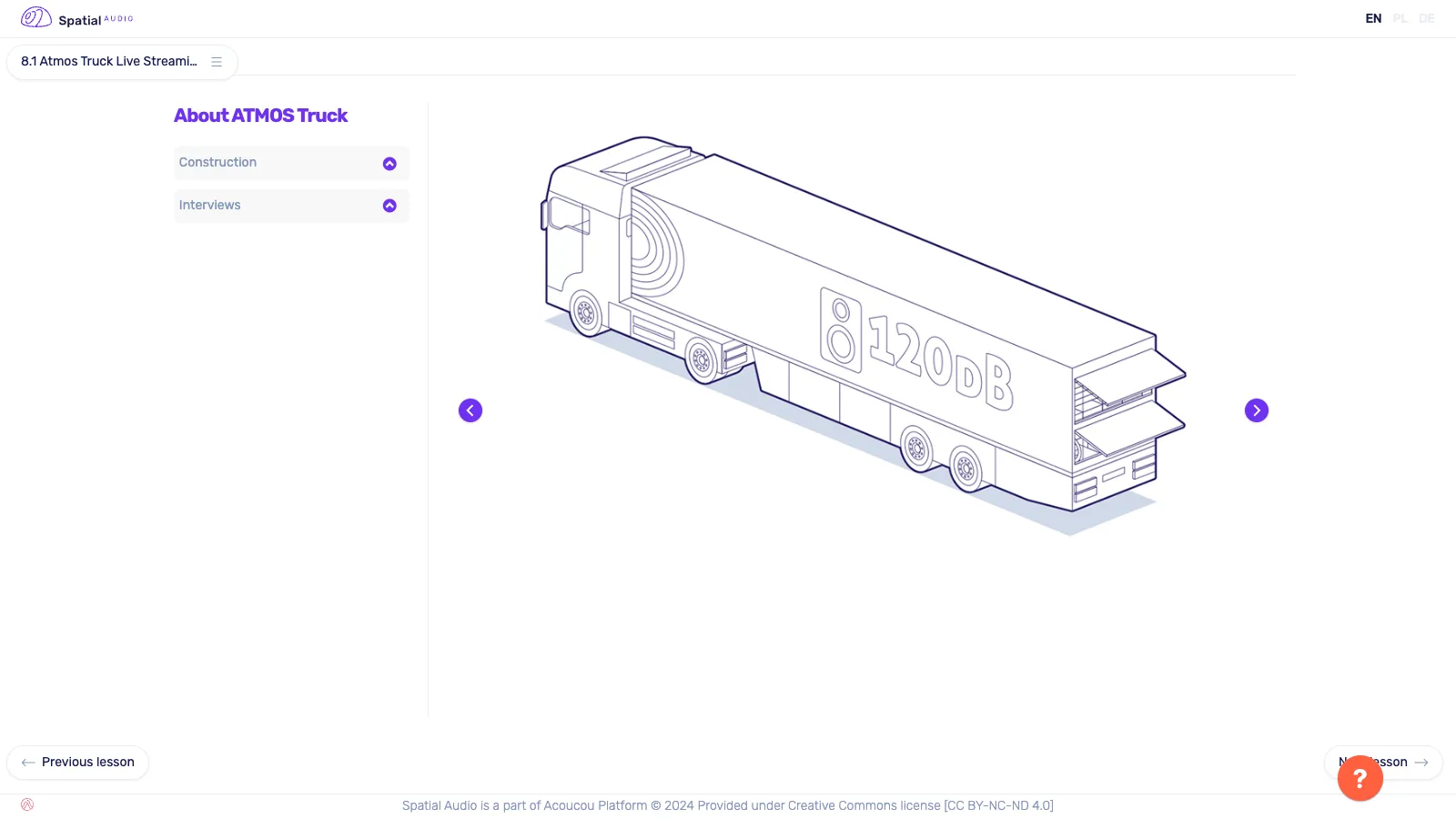
Teaching audio since 2017
Spatial Audio is the latest project in a series of online courses we've made for KFB Technologies since early 2017.

Spatial Audio is the latest project in a series of online courses we've made for KFB Technologies since early 2017.
All of the courses together
The latest one: Spatial Audio
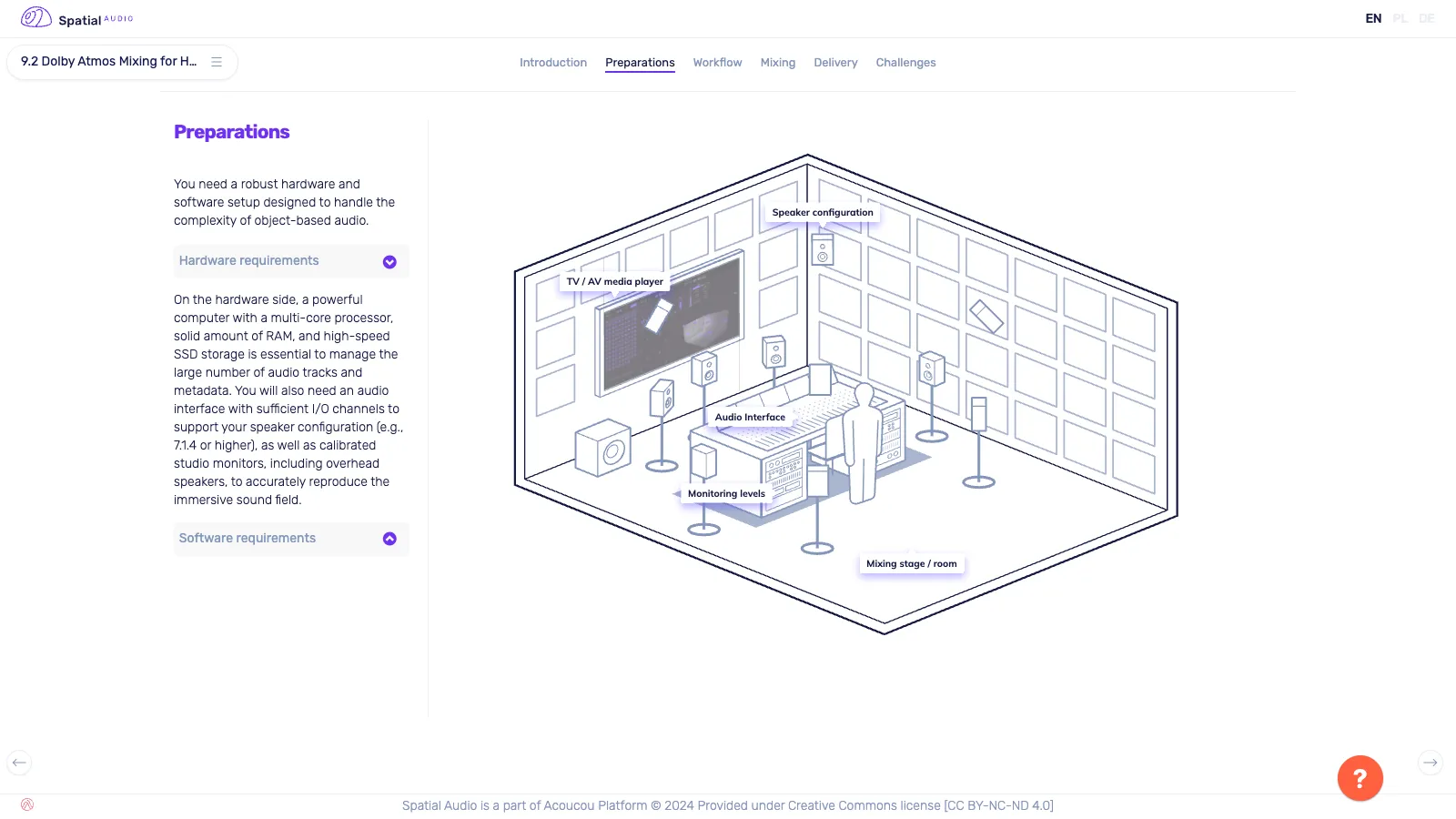
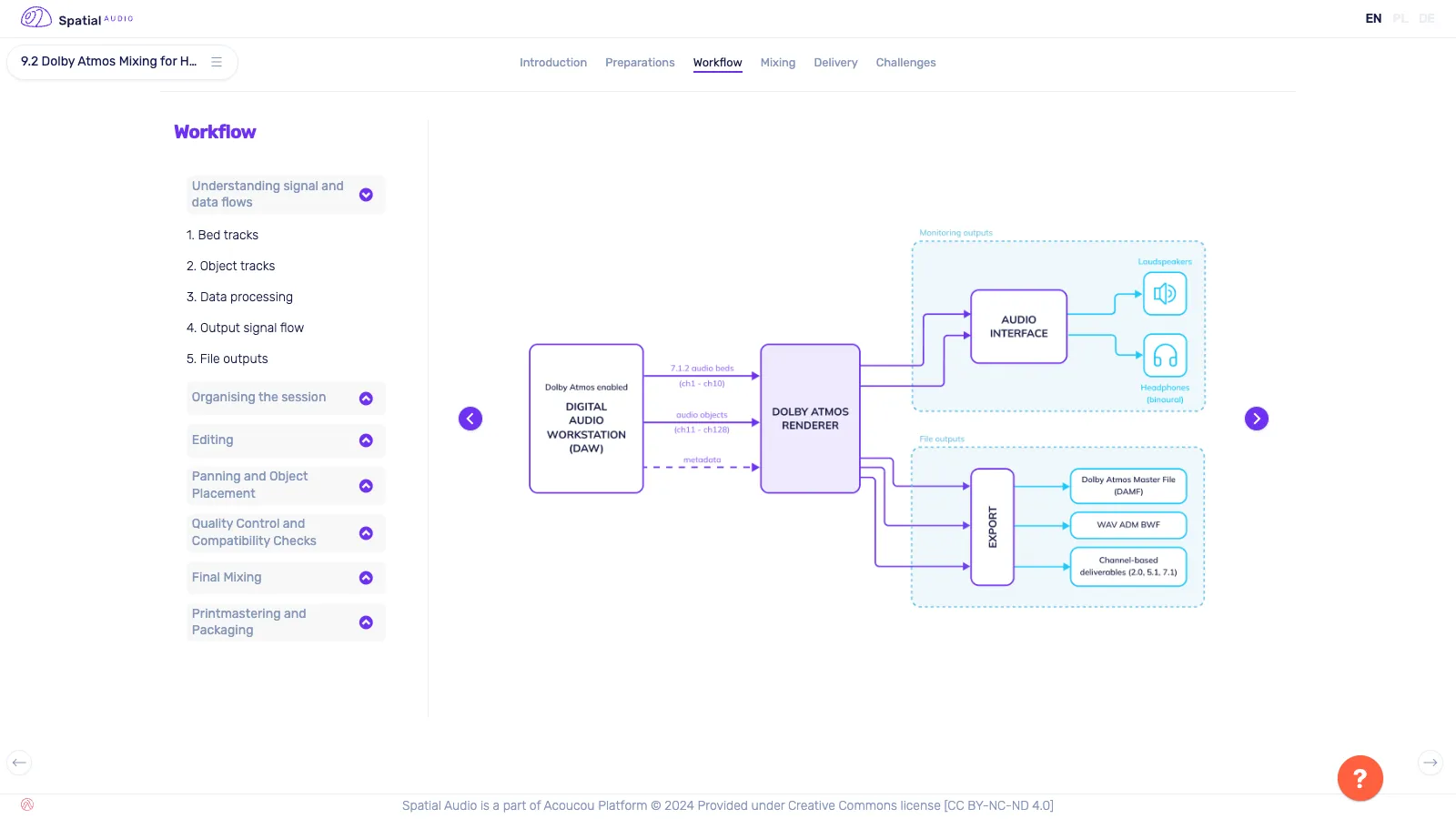
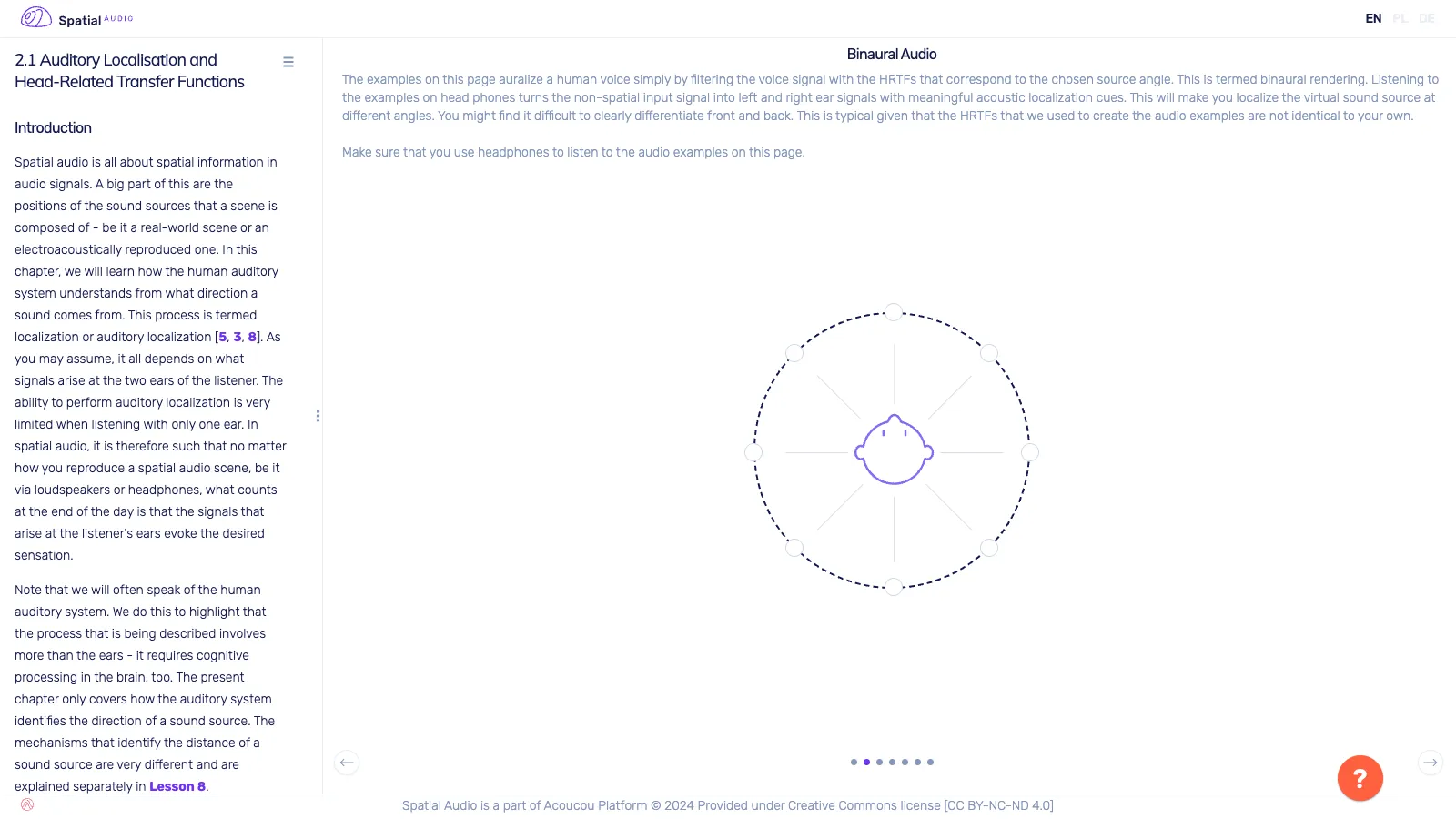
KFB Technologies works around acoustics, simply speaking - and, through the years, had a mission of sharing knowledge about it. In 2017, Karolina Jaruszewska reached us with a question: could we help in the creation of a highly interactive online course?
Knowing no obstacles, we decided to step into a territory unknown to us and see what we could do. This started a series of highly interactive, bespoke online courses about sound:
Altogether, that is more than 200 lessons, each composed of numerous slides, equations, graphs, sounds and videos.
In this use case we will focus mainly on the last one, but it wouldn't be a thing if not for all of the past ones:)
Sharing knowledge online is hard.
First of all, the technology, or actually its state when we started this journey:
That wasn't what we wanted - we wanted live design, moveable elements, things that clack when you click. Things described not as they were in studies and books. Things described in a new way, a way that works with what technology has to offer.
This wasn't possible with any open-source LMS at the time, nor with SaaS platforms. We made a decision to create everything as crafted code, in the first project for KFB. During the journey of the following projects, we established a set of workflows and rules on how to define such content, which then became a framework and strongly typed code that allowed us to do all we needed, the way we wanted it. Or, 95% of it.
We've created a set of UI elements, graphical solutions and code paths that allowed us to quickly (or rather, quicker than before) produce highly customized and interactive lessons/teaching materials.
Such content doesn't happen by itself.
Having a company that will sponsor it, graphic designers who will make it beautiful and universities that will give the knowledge is not enough.
A paradigm shift has to be made by those who have the knowledge - experts, teachers, professors - to ditch old ways of teaching, throw the materials we've used for decades in the bin and re-invent them.
It's not always easy - sometimes it might require a total rewrite of how certain topics were approached in terms of teaching, and those old ways were already validated.
Sometimes, it requires creativity and talent in the "arts", in ways of presentation - which those who have the knowledge often lack.
Sometimes, it requires just time, which is scarce for many.
And, it requires a coherent vision of what the goal is, so that the community of authors creates a holistic product, not just a collection of glued-together materials.
One of the biggest parts of this project was managing the knowledge, done by the fabulous Karolina Jaruszewska for the whole project and every single lesson of it.
Let's see how a single lesson was delivered:
That's the short version, and we will now discuss it in greater detail.
Throughout the previous courses we've learned that, how to say it, giving too much creative freedom puts high pressure on delivery times;)
We didn't want to limit the authors, yet we had to keep the budget within range. We knew that each idea can be represented in a few ways. Some of them very creative, but costly. Others still very attractive, but much cheaper, as we already had the building blocks for those. Also, our authors had no knowledge of what blocks and components we had, or what the previous lessons looked like.
And, in fact, as mentioned in the intro, we had gradually started to construct a framework made of reusable elements that could be a backbone for every lesson.
We could have shown them our UI elements, but that was a static thing and didn't allow them to work with it.
We already knew before starting Spatial Audio that the hardest problem in the whole project was:
How to give the authors a space - with tools, boundaries and elements they can use to create the content in a complete way, but aligned with the current system, so that development is easier. And one that they could use easily.
So, we've recreated most of our components in Figma. We kind of reverse designed them, so to speak.
A typical lesson
This way, an author could create their lesson in a kind of WYSIWYG editor - on many occasions this was done with a member of our team assisting, as we knew the system better.
But we also created the Figma components in a well-organized way, so that they reused other components and were configurable, allowing only for options that were aligned with what the code offers.
An author could pick the basic layout, then, using dropdowns, choose which components are at the first level of the display.
Then, using other dropdowns, they could nest further components within the body of the parent one, or adjust the setup of the current component.
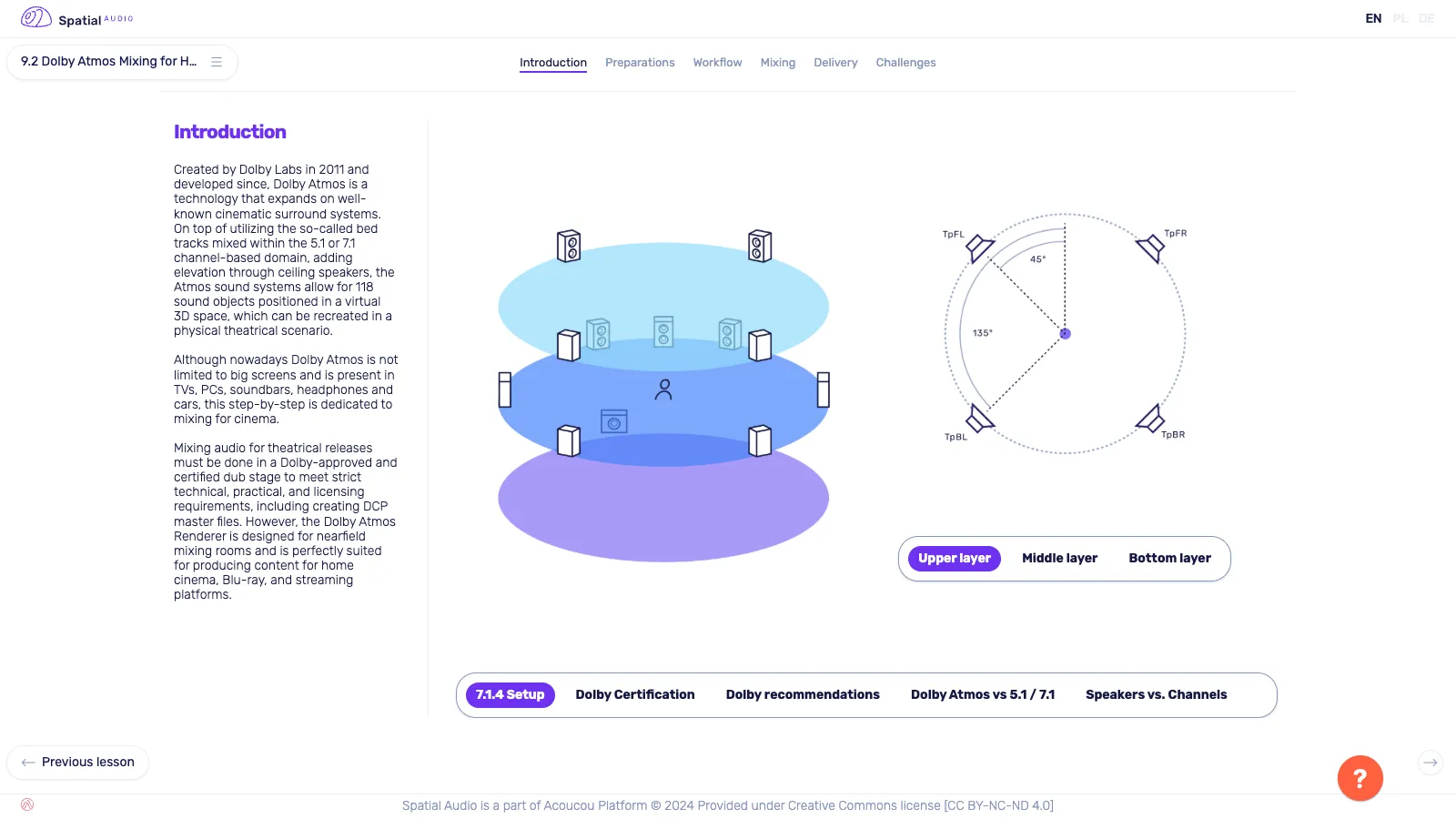
This way, authors were able to create any design, as we had components for basic elements such as layouts, tables and buttons, but also for graphs, sliders, and video and audio players.
All of this to make:
And it's all free to use, CC BY-NC-ND 4.0, co-funded by the European Union.
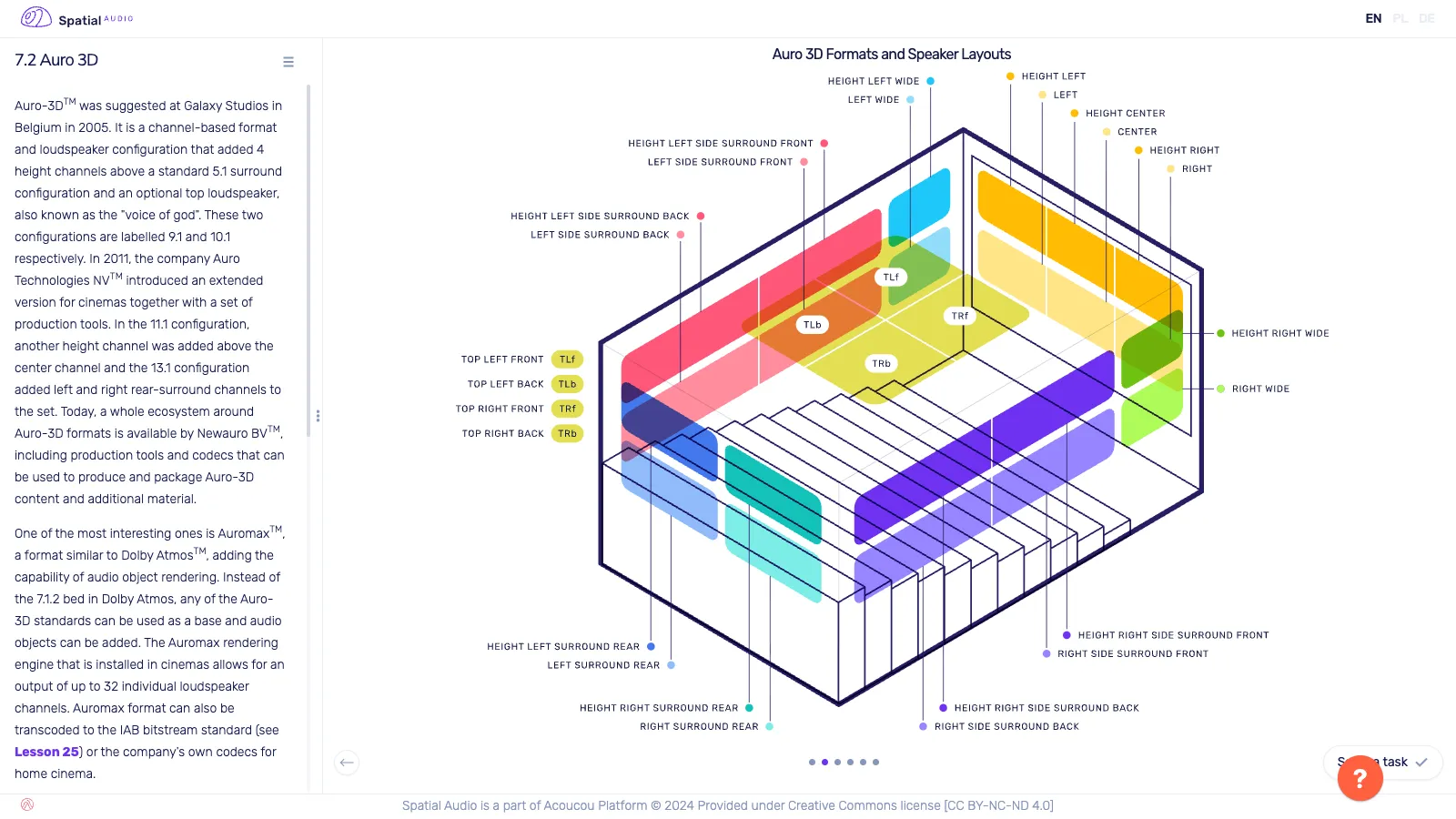
As mentioned in the previous chapter, we gave authors the ability to pick from existing components.
Before we started work on ASKnow, we had made a decision to move to a more organized approach to lesson content, as this project had less customization, but much more content in general.
With 150 lessons planned, we had to find a way to stay on time and on budget, so we initially started by creating a framework that would allow us to work more efficiently.
That's how "Jelly" was born. We took all the UI elements we had created so far in previous courses, along with some generic web elements.
Then, we created a configuration-based engine that rendered lessons using those elements, based on simple JSON-like structures that defined which elements were used and how they nest other elements.
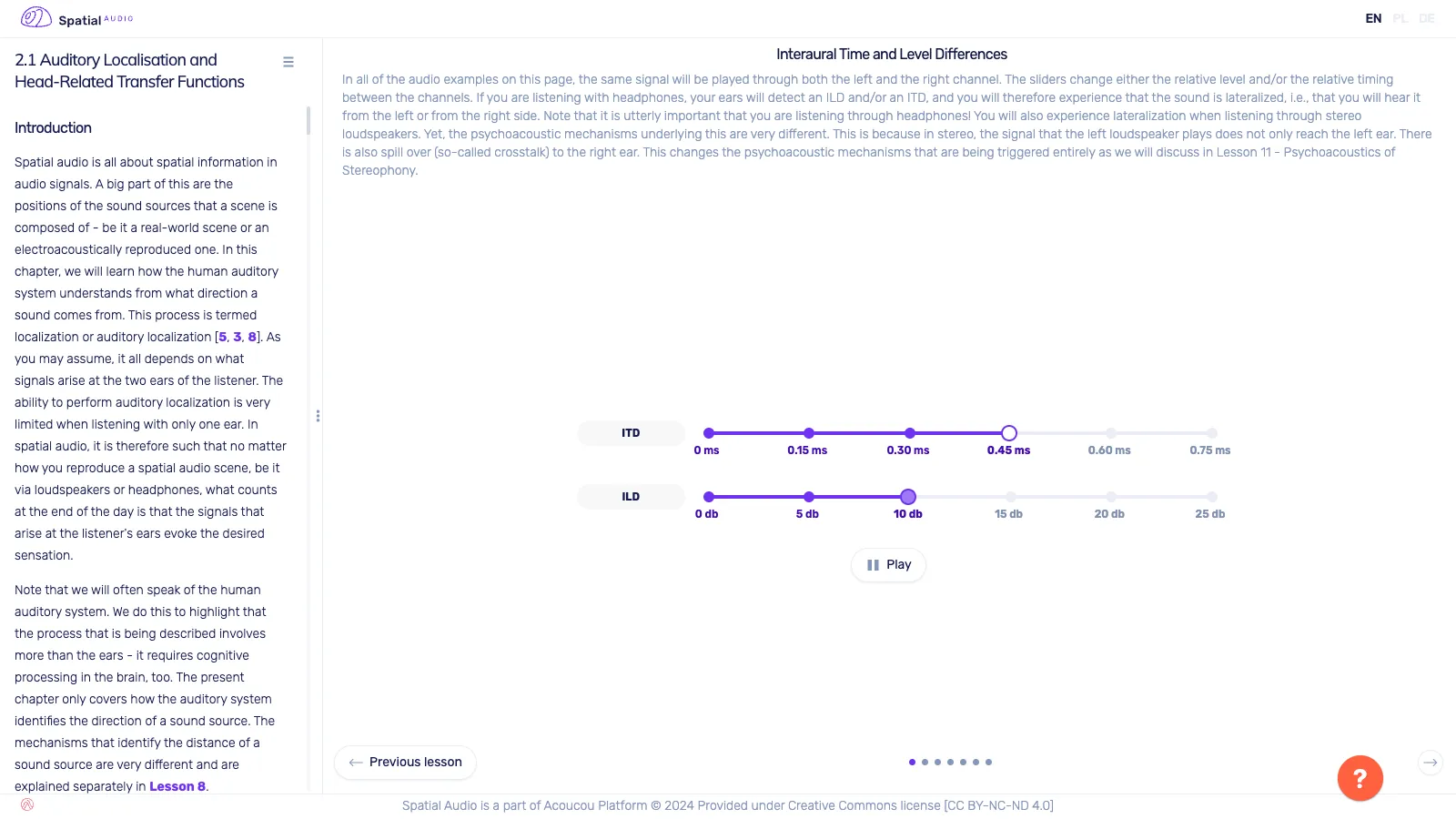
At a high level, this can be shown as:
As a tree
Lesson 2.1
1└─ Slide (title)
2  └─ Layout "simple"
3    └─ Components "blockContainer"
4      └─ Block "itdSlider"
As data
{
1  "title": "Interaural Time and Level Differences",
  "layout": {
2    "type": "simple",
    "options": {
      "components": {
3        "variant": "blockContainer",
        "data": {
4          "block": { "type": "itdSlider" }
        }
      }
    }
  }
}
The whole interactive slide is one block, itdSlider. The block is written once and every lesson can use it by name.
With no constraints, any component could be put as a child of any other, allowing for infinite nesting. But, as we've discussed already, the framework was not only about the elements themselves, but also about how they can be used together and how they should be constrained, which in turn keeps the solution consistent and coherent-looking.
We've basically created our own version of HTML, with our own tags and components, but written in JSON.
The JSON itself could come from an API, a database or local files (static, or generated by code). It didn't matter. The framework needed valid, plain-text JSON that anyone could construct, and that JSON would be the essence of a whole course.
That allowed us to build it the way we wanted:
One last important part of it was a LaTeX to HTML parser, this one allowed academics to create the content in a way most familiar for them, which we in turn could automatically convert to lesson content.
Jelly in numbers
Spatial Audio, written on top of it
With all those components in Figma, reflected in code and configurable via a simple JSON file, it was still an enormous amount of work. Figma still had to be written down into code. We had no Figma-to-code translator, as it would have taken too much time to write one, and the structure itself was the easiest part of the work.
The texts, translations and images had to be moved manually from Figma to the repository, linked with the structure and put in the proper places.
Around 20% of lessons were done fully manually by us, when GitHub Copilot matured and introduced the free plans. Before that, we tried coding with ChatGPT and other means, but most of it was copy-paste work, no fun at all.
At some point Copilot became free, and we became keen on checking how it worked, and, remember, those were early days. Initially it was only able to autocomplete code, but we already had the tendency to name slugs by their place and usage, not by their text. For example:
C1CH1L4P1Table_R1C1
C1Course 1CH1Chapter 1L4Lesson 4P1Principle 1, the first interactive slideTable_R1C1The element: a table, row 1, column 1The text is placed by its position, not by what it says. That is what let an AI tool draft whole lessons from the names alone.
And that autocomplete worked damn well. In that case:)
But not much later the models advanced, and we were able to ask them to create the lessons based on those slugs alone. Knowing what elements we had on the page and what type they were, with a small hint like "This one looks like that one", AI was able to help us by providing initial versions of lessons, where we only had to adjust minor things.
That alone allowed us to save around 50% of the time on creating new lessons.
We finished the project with AI back then. A few months later, we revisited the code for a quick POC - we were researching a new, this time fully agentic way of composing courses and lessons using agents.
It took us hours to do things we needed a week for before.
We're satisfied with the project, especially as it's always a bit rewarding to do something that is free for everyone. It cost us a lot of work, but it also showed us for the first time how AI could help - back then still by simply replacing us in labor-intensive manual work, but that was exactly what we needed at that point.
The project is finished, like all of the KFB courses - these are projects that don't live on after they're done.
It's a closed package that gets deployed, with almost no maintenance afterwards. Have fun, learn a little at acoucou.org
This project was a work of many people, but at this moment I would like to mention the few most important: